- Your cart is empty
- Continue Shopping
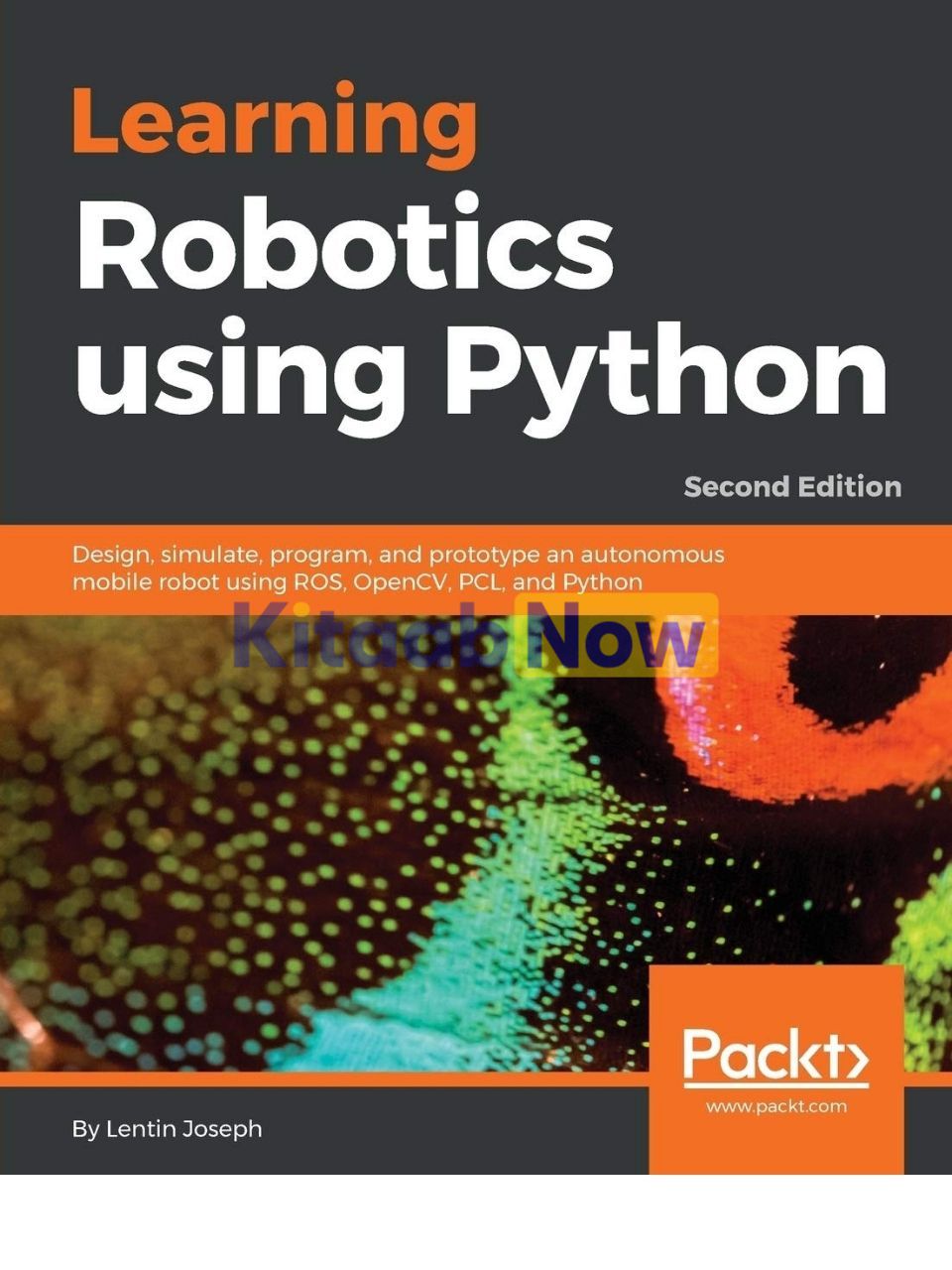
Learning Robotics using Python: Design, simulate, program, and prototype an autonomous mobile robot using ROS, OpenCV, PCL, and Python (2nd Edition)
44% off
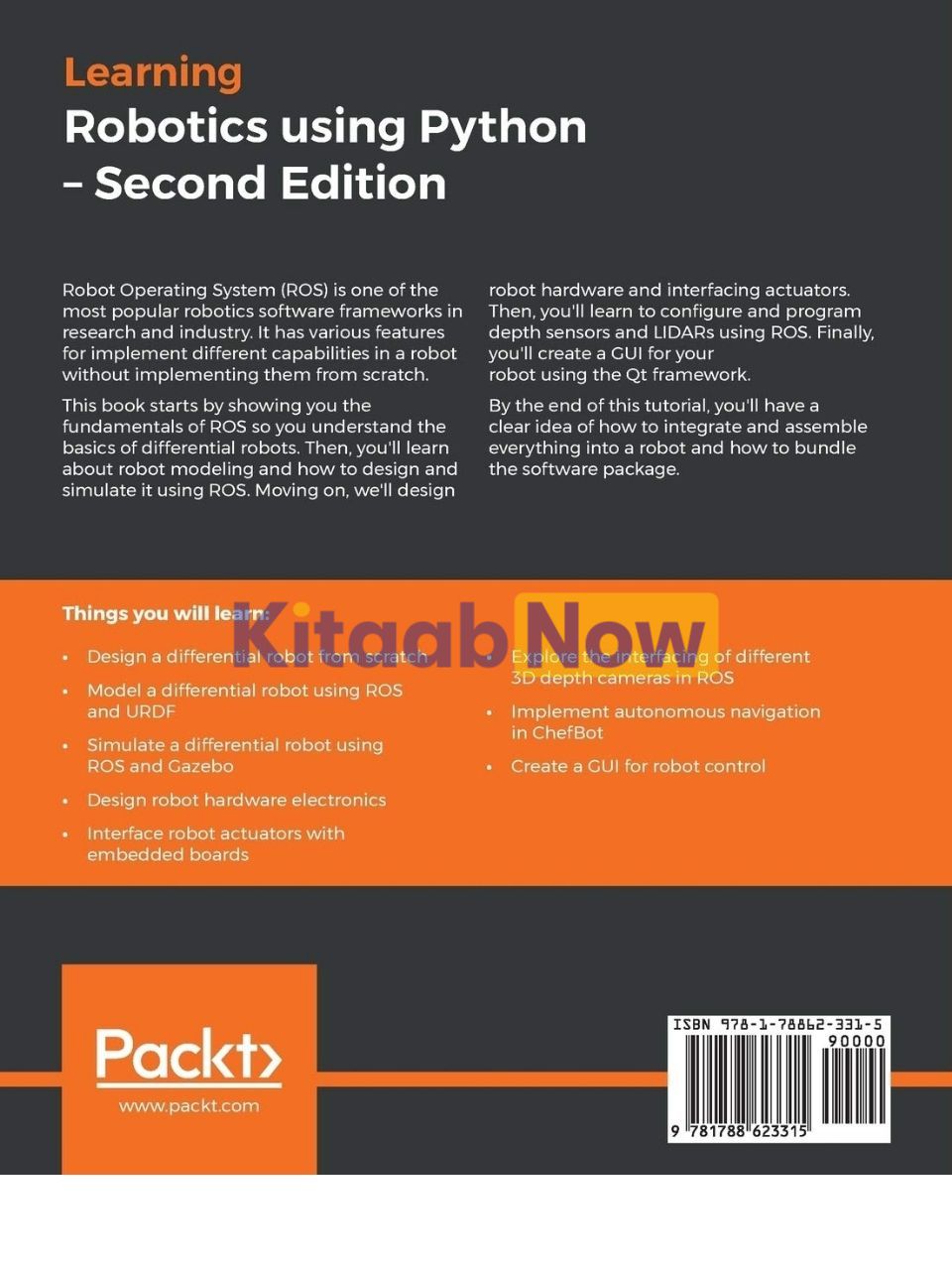
DescriptionKey FeaturesDesign, simulate, build, and program an interactive autonomous mobile robotLeverage the power of ROS, Gazebo, and Python to enhance your robotic skillsA hands-on guide to creating an autonomous mobile robot with the help of ROS and PythonWho This Book Is ForThis book is for those who are conducting research in mobile robotics and autonomous navigation. As well as the robotics research domain, this book is also for the robot hobbyist community. You’re expected to have a basic understanding of Linux commands and Python.What You Will LearnDesign a differential robot from scratchModel a differential robot using ROS and URDFSimulate a differential robot using ROS and GazeboDesign robot hardware electronicsInterface robot actuators with embedded boardsExplore the interfacing of different 3D depth cameras in ROSImplement autonomous navigation in ChefBotCreate a GUI for robot controlIn DetailRobot Operating System (ROS) is one of the most popular robotics software frameworks in research and industry. It has various features for implementing different capabilities in a robot without implementing them from scratch.This book starts by showing you the fundamentals of ROS so you understand the basics of differential robots. Then, you’ll learn about robot modeling and how to design and simulate it using ROS. Moving on, we’ll design robot hardware and interfacing actuators. Then, you’ll learn to configure and program depth sensors and LIDARs using ROS. Finally, you’ll create a GUI for your robot using the Qt framework.By the end of this tutorial, you’ll have a clear idea of how to integrate and assemble everything into a robot and how to bundle the software package.Style and approachA step-by-step guide which will help you to create an autonomous mobile robot with the help of ROS and Python. It will help you to understand and implement the fundamental concepts of differential robots and teach you to create differential robot’s simulation using Gazebo.Table of Contents Title PageCopyright and CreditsLearning Robotics using Python Second EditionDedicationPackt UpsellWhy subscribe?PacktPub.comContributorsAbout the authorAbout the reviewerPackt is searching for authors like youPrefaceWho this book is forWhat this book coversTo get the most out of this bookDownload the example code filesDownload the color imagesConventions usedGet in touchReviewsGetting Started with Robot Operating SystemTechnical requirementsIntroduction to ROSROS conceptsThe ROS filesystemThe ROS Computation GraphThe ROS community levelInstalling ROS on UbuntuIntroducing catkinCreating a ROS packageHello_world_publisher.pyHello_world_subscriber.pyIntroducing GazeboInstalling GazeboTesting Gazebo with the ROS interfaceSummaryQuestionsUnderstanding the Basics of Differential RobotsMathematical modeling of the robotIntroduction to the differential drive system and robot kinematicsForward kinematics of a differential robotExplanations of the forward kinematics equationInverse kinematicsSummaryQuestionsFurther informationModeling the Differential Drive RobotTechnical requirementsRequirements of a service robotRobot drive mechanismSelection of motors and wheelsCalculation of RPM of motorsCalculation of motor torqueThe design summaryThe robot chassis designInstalling LibreCAD, Blender, and MeshLabInstalling LibreCADInstalling BlenderInstalling MeshLabCreating 2D CAD drawing of a robot using LibreCADThe base plate designsBase plate pole designWheel, motor, and motor clamp designCaster wheel designMiddle plate designTop plate designWorking with a 3D model of the robot using BlenderPython scripting in BlenderIntroduction to Blender Python APIsPython script of the robot modelCreating a URDF model of the robotCreating a Chefbot description ROS packageSummaryQuestionsFurther readingSimulating a Differential Drive Robot Using ROSTechnical requirementsGetting started with the Gazebo simulatorThe Gazebo’s graphical user interfaceThe SceneThe Left PanelRight PanelGazebo toolbarsUpper toolbarBottom toolbarWorking with a TurtleBot 2 simulationMoving the robotCreating a simulation of ChefbotDepth image to laser scan conversionURDF tags and plugins for Gazebo simulationCliff sensor pluginContact sensor pluginGyroscope pluginDifferential drive pluginDepth camera pluginVisualizing the robot sensor dataGetting started with Simultaneous Localization and MappingImplementing SLAM in the Gazebo environmentCreating a map using SLAMGetting started with Adaptive Monte Carlo LocalizationImplementing AMCL in the Gazebo environmentAutonomous navigation of Chefbot in the hotel using GazeboSummaryQuestionsFurther readingDesigning ChefBot Hardware and CircuitsTechnical requirementsSpecifications of the ChefBot’s hardwareBlock diagram of the robotMotor and encoderSelecting motors, encoders, and wheels for the robotMotor driverSelecting a motor driver/controllerInput pinsOutput pinsPower supply pinsEmbedded controller boardUltrasonic sensorsSelecting an ultrasonic sensorInertial measurement unitKinect/Orbbec AstraCentral processing unitSpeakers/micPower supply/batteryHow ChefBot’s hardware works’?SummaryQuestionsFurther readingInterfacing Actuators and Sensors to the Robot ControllerTechnical requirementsInterfacing DC geared motor to Tiva C LaunchPadDifferential wheeled robotInstalling Energia IDEMotor interfacing codeInterfacing quadrature encoder with Tiva C LaunchpadProcessing encoder dataQuadrature encoder interfacing codeWorking with Dynamixel actuatorsWorking with ultrasonic distance sensorsInterfacing HC-SR04 to Tiva C LaunchPadWorking of HC-SR04Interfacing Code of Tiva C LaunchpadInterfacing Tiva C LaunchPad with PythonWorking with the IR proximity sensorWorking with Inertial Measurement UnitsInertial navigationInterfacing MPU 6050 with Tiva C LaunchPadSetting the MPU 6050 library in EnergiaInterfacing code of EnergiaSummaryQuestionsFurther readingInterfacing Vision Sensors with ROSTechnical requirementsList of robotic vision sensors and image librariesPixy2/CMUcam5Logitech C920 webcamKinect 360Intel RealSense D400 seriesOrbbec Astra depth sensorIntroduction to OpenCV, OpenNI, and PCLWhat is OpenCV?Installation of OpenCV from the source code in UbuntuReading and displaying an image using the Python-OpenCV interfaceCapturing from the web cameraWhat is OpenNI?Installing OpenNI in UbuntuWhat is PCL?Programming Kinect with Python using ROS, OpenCV, and OpenNIHow to launch the OpenNI driverThe ROS interface with OpenCVCreating a ROS package with OpenCV supportDisplaying Kinect images using Python, ROS, and cv_bridgeInterfacing Orbbec Astra with ROSInstalling the Astra–ROS driverWorking with point clouds using Kinect, ROS, OpenNI, and PCLOpening the device and generating a point cloudConversion of point cloud data to laser scan dataWorking with SLAM using ROS and KinectSummaryQuestionsFurther readingBuilding ChefBot Hardware and the Integration of SoftwareTechnical requirementsBuilding ChefBot hardwareConfiguring ChefBot PC and setting ChefBot ROS packagesInterfacing ChefBot sensors to the Tiva-C LaunchPadEmbedded code for ChefBotWriting a ROS Python driver for ChefBotUnderstanding ChefBot ROS launch filesWorking with ChefBot Python nodes and launch filesWorking with SLAM on ROS to build a map of the roomWorking with ROS localization and navigationSummaryQuestionsFurther readingDesigning a GUI for a Robot Using Qt and PythonTechnical requirementsInstalling Qt on Ubuntu 16.04 LTSWorking with Python bindings of QtPyQtInstalling PyQt in Ubuntu 16.04 LTSPySideInstalling PySide on Ubuntu 16.04 LTSWorking with PyQt and PySideIntroducing Qt DesignerQt signals and slotsConverting a UI file into Python codeAdding a slot definition to PyQt codeOperation of the Hello World GUI applicationWorking with ChefBot’s control GUIInstalling and working with rqt in Ubuntu 16.04 LTSSummaryQuestionsFurther readingAssessmentsChapter 1, Getting Started with the Robot Operating SystemChapter 2, Understanding the Basics of Differential RobotsChapter 3, Modeling the Differential Drive RobotChapter 4, Simulating a Differential Drive Robot Using ROSChapter 5, Designing ChefBot Hardware and CircuitsChapter 6, Interfacing Actuators and Sensors to the Robot ControllerChapter 7, Interfacing Vision Sensors with ROSChapter 8, Building ChefBot Hardware and Integration of SoftwareChapter 9, Designing a GUI for a Robot Using Qt and PythonOther Books You May EnjoyLeave a review – let other readers know what you thinkAuthor BiographyLentin Joseph is an author and robotics entrepreneur from India. He runs a robotics software company called Qbotics Labs in India. He has 7 years of experience in the robotics domain primarily in ROS, OpenCV, and PCL. He has authored four books in ROS, namely, Learning Robotics using Python, Mastering ROS for Robotics Programming, ROS Robotics Projects, and Robot Operating System for Absolute Beginners. He is currently pursuing his master’s in Robotics from India and is also doing research at Robotics Institute, CMU, USA.
Related products
37% off
37% off